Private workspace
Chat, DMs and the office, for verified members of your company only.
Team chat, a 3D office your team walks around, AI agents for the office ops, and public events. One address.
Chat is free · No card needed to start
Field-study write-up is in. Short version: people stopped scheduling check-ins once they could see who's at their desk.
Same here. I just walk over now. @Rina coming to your desk to go through the launch checklist.
Reminder: our public roadmap session is Thursday. 31 of 50 seats are taken. Share the link anywhere: virtual.hirix.ai/e/roadmap-in-public-q3
The office API question came up twice in #research. I'll take it in the Q&A on Thursday.
What we're building next quarter, walked through live by the people building it. Then open Q&A: raise your hand and the host brings you up to the stage.
Real interface · Demo data
Built by the team behind Virtual Hirix. We run our own company on it every day.
Virtual Office
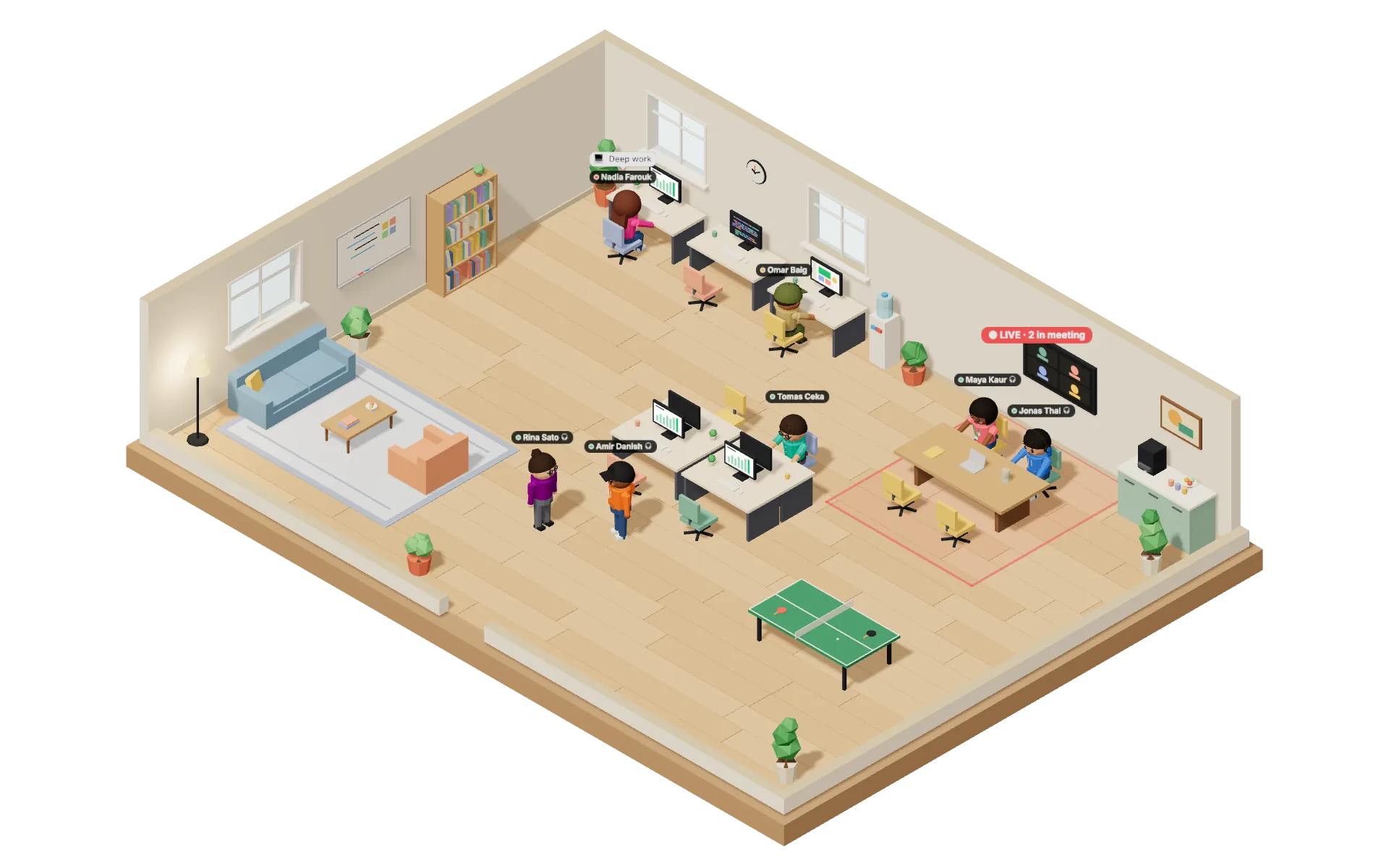
Walk your avatar over to a teammate and a video call opens at conversation distance. Walk away and it closes. No link, no invite.
1-1 calls are peer-to-peer and never recorded.
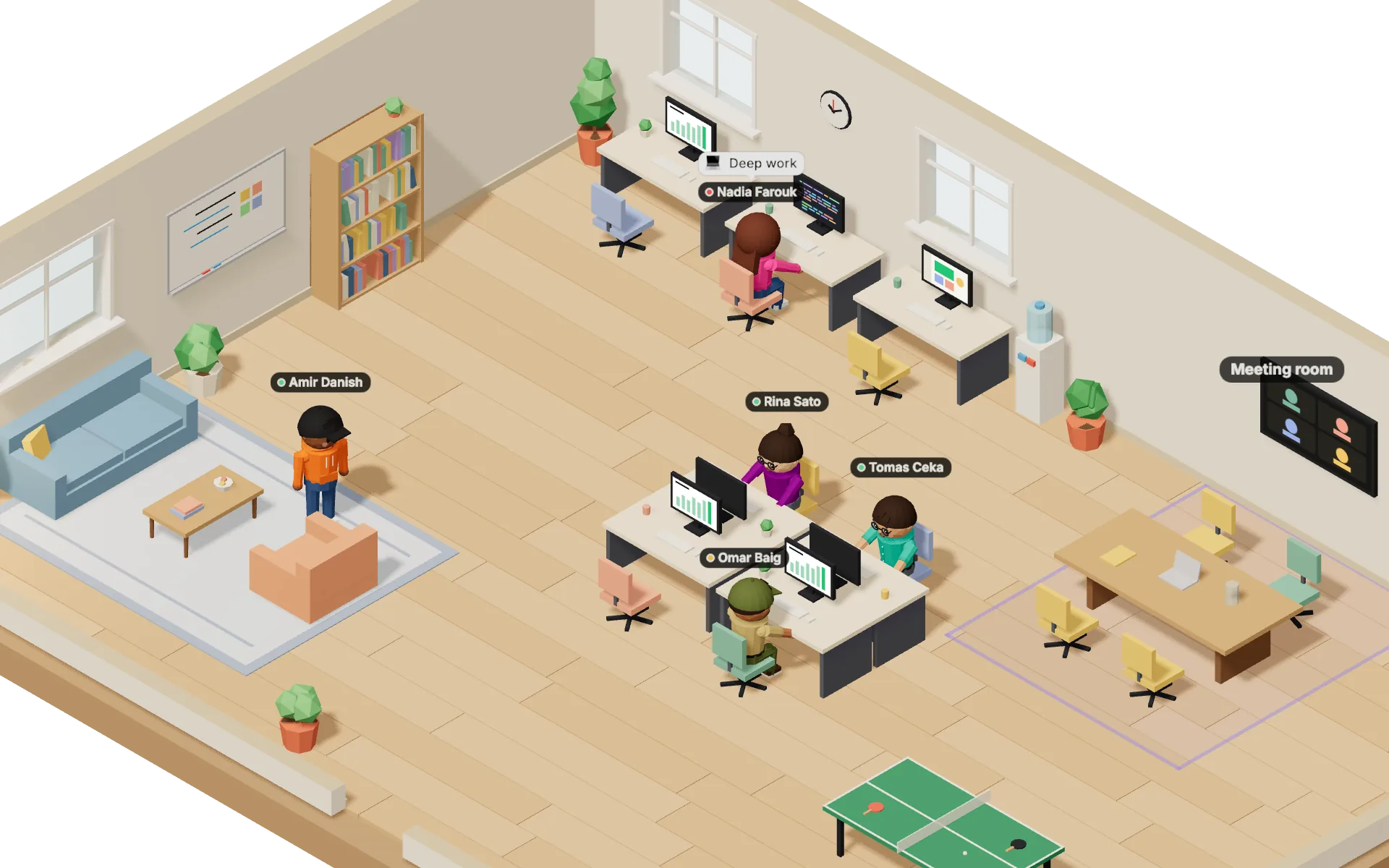
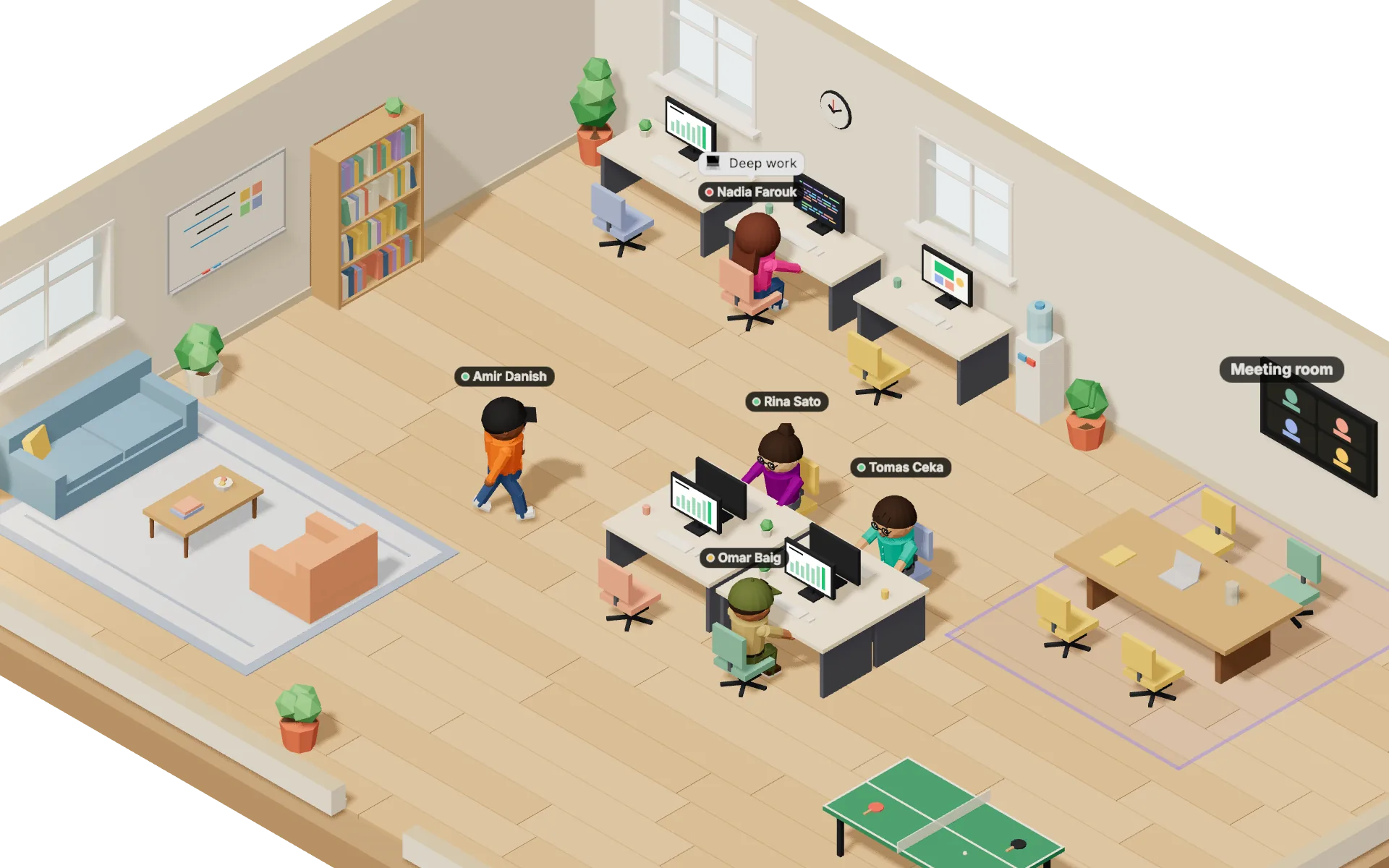
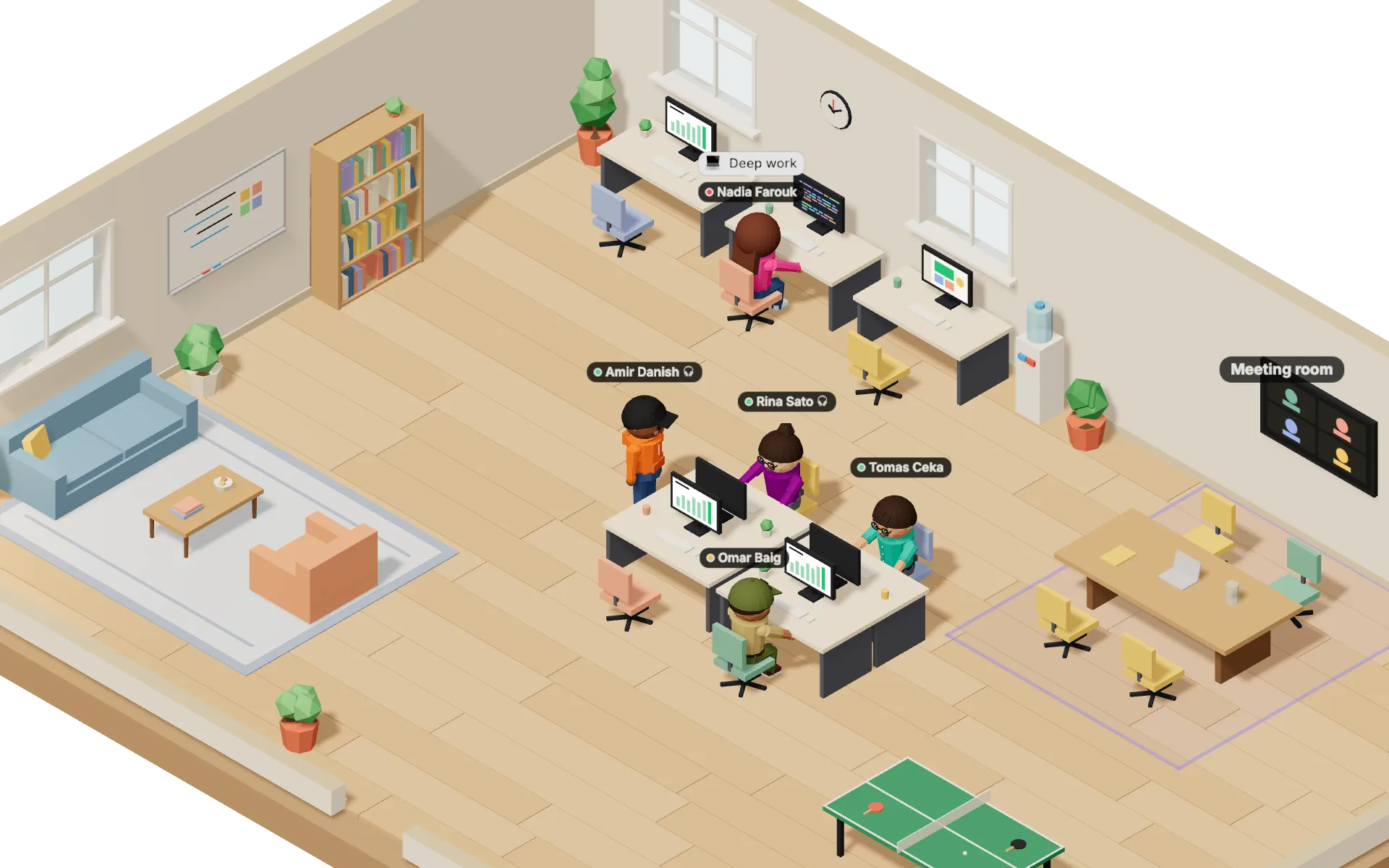
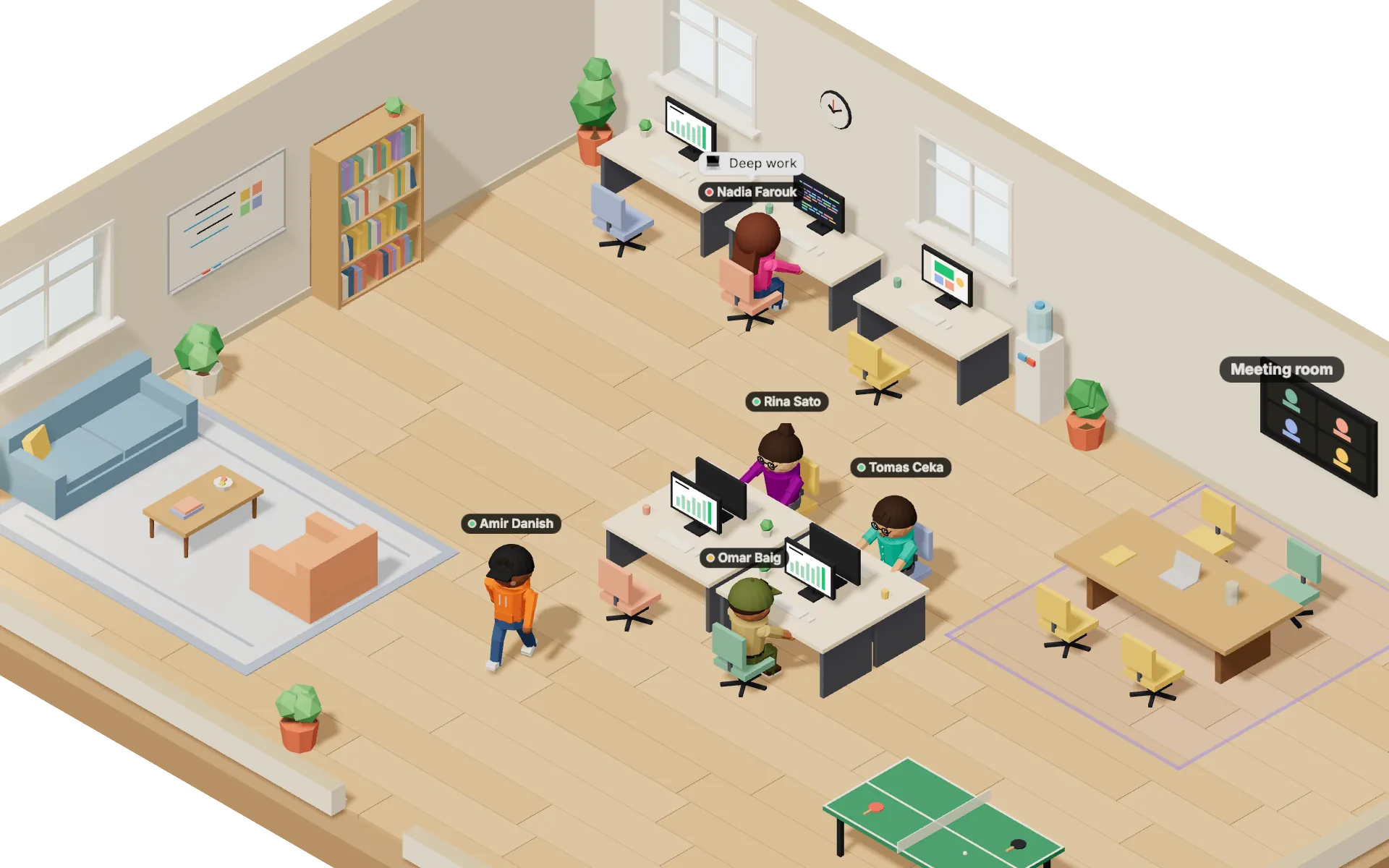
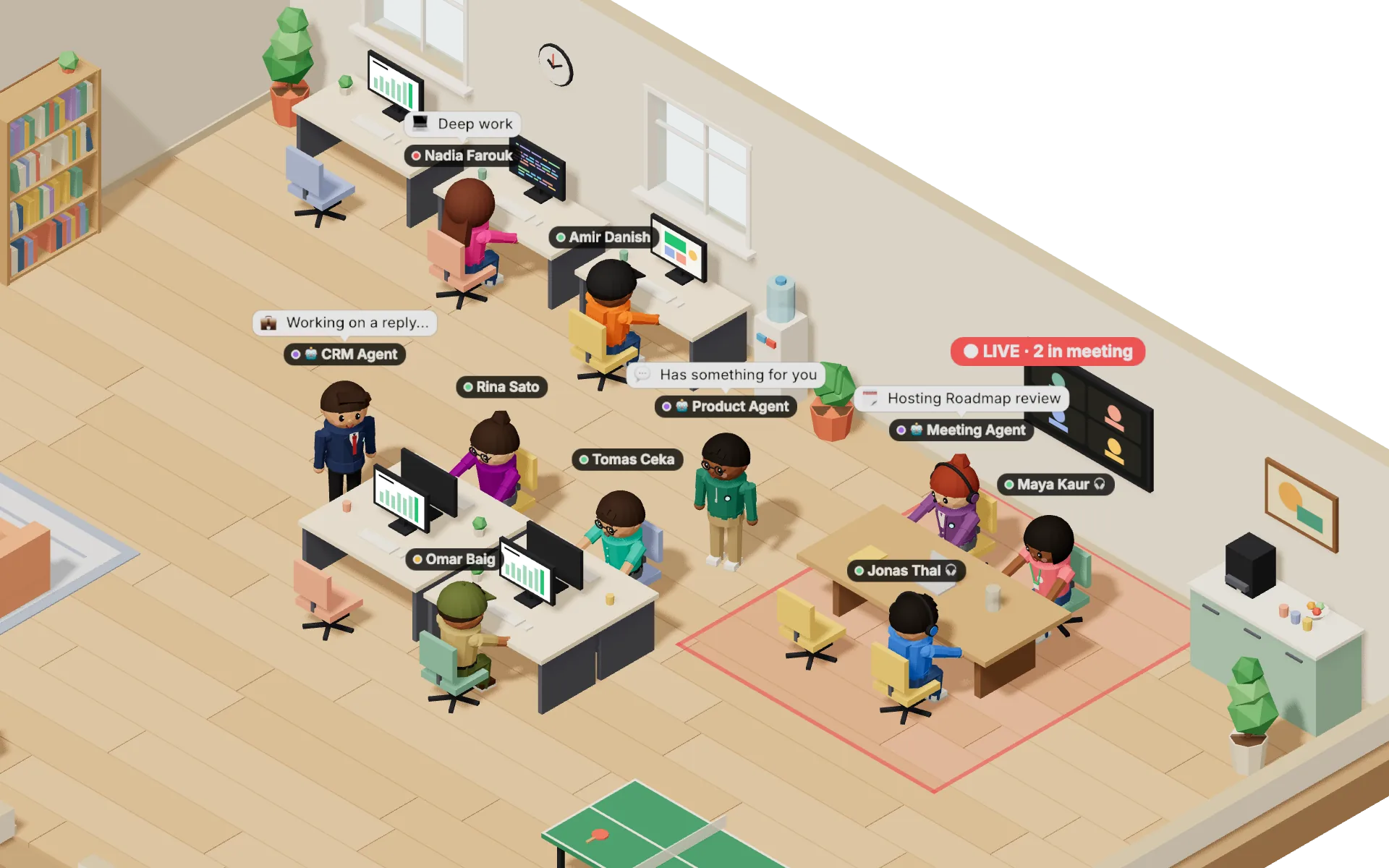
Rendered by the product's 3D engine · Demo data
AI Agents
Each one joins like a teammate: a desk in the office, a DM, and one job. It asks before it sends an email or changes a deal.
Includes 300 contact searches a month
Includes 20 notetaker hours a month
Asks the other agents to book a meeting or chase a lead
One product, three surfaces
One product with three surfaces, and a clear line between them.
Chat, DMs and the office, for verified members of your company only.
A stage, numbered seats and a page anyone can open from one link.
Shared spaces, DMs and co-hosted events with partner companies.
Meetings and calls
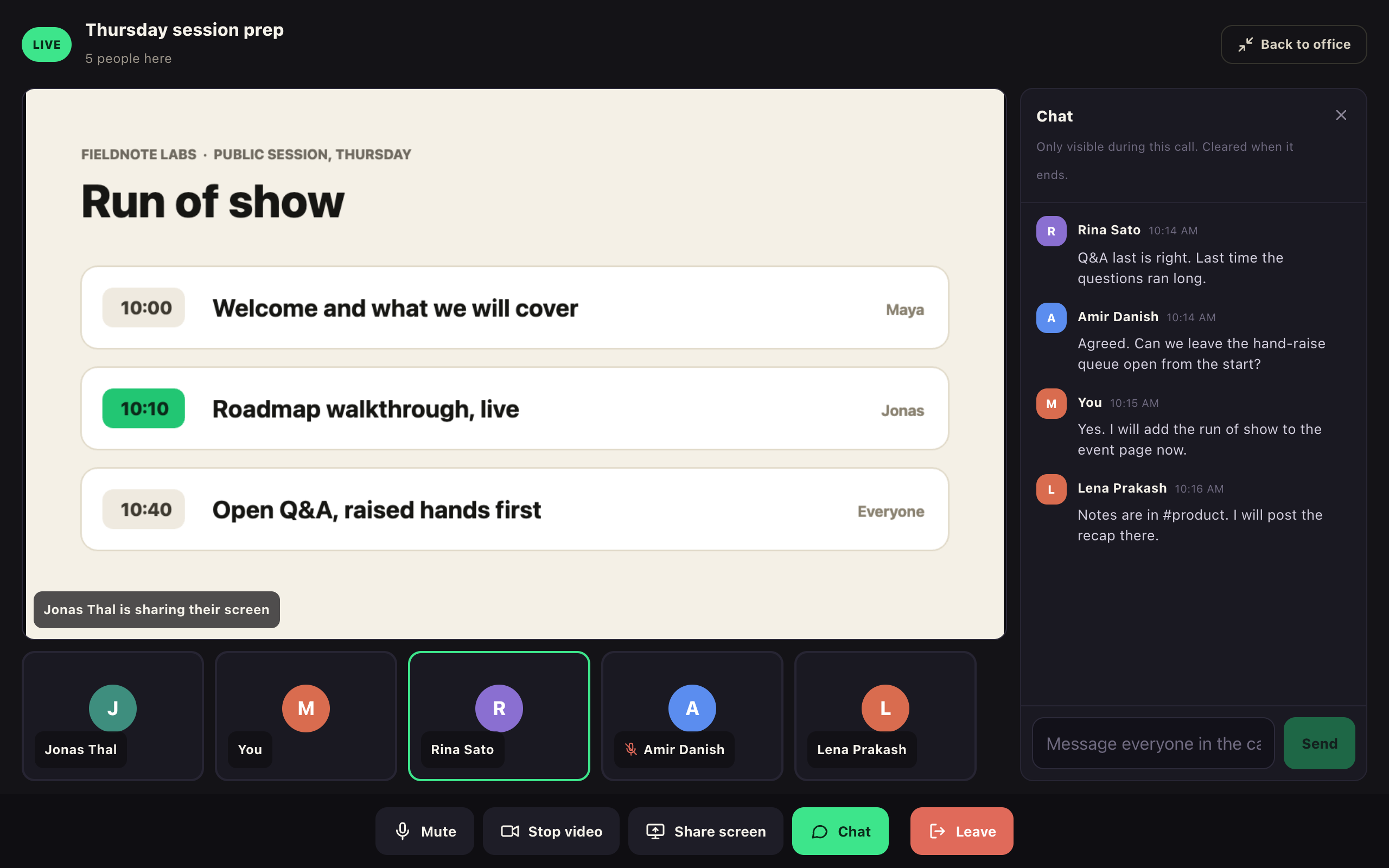
The shared screen up front, everyone in a strip beneath it.
Live events
Speakers hold the stage, attendees take numbered seats, and a raised hand gets you invited up. Up to 50 seats, and full means full.
Pick an open seat.
Happening now
Private by architecture
A workspace never resolves for a non-member, not even its name.
Membership is checked against your company email domain, and an admin approves every join.
1-1 calls in the office are peer-to-peer. The chat inside a call is cleared when it ends.
An event guest sees that event. A guest link into the office runs out on its timer.
Pricing
US dollars, billed monthly. No per-member charge for chat.
Only people who use the office need a seat. Everyone else stays in chat for free.
Create your workspaceMonthly add-ons per workspace. With or without the office.
Switching?
If you're weighing it against what you use today:
Yes. Spaces, DMs, threads, public events and integrations are free for unlimited members, with no time limit. The Virtual Office and the AI agents are optional paid add-ons.
In US dollars, monthly, by card. The Virtual Office is $6 a month per workspace and includes the owner's admin seat. Everyone else who uses the office needs a seat: $3 a month for an Admin, $2 for Staff. Guest access is $1 a month per workspace. There is no free trial. If the office payment lapses, the office closes; chat, DMs and history stay open.
Each agent is a monthly add-on per workspace: the CRM Agent is $19 with 300 contact searches a month, the Meeting Agent is $24 with 20 notetaker hours a month, and the Product Agent is $19. Subscribing hires the agent; cancelling pauses it and keeps its data. Agents work with or without the Virtual Office.
Only verified members. Membership is checked against your company email domain, and an admin approves every join. For anyone else the workspace does not resolve at all, not even its name.
Not to look. A public event page opens for anyone with the link. Reserving a seat takes a sign-in with your email, and the seat is held in your name.
Not yet. Company connections are in development. A connection will grant exactly three things: cross-company DMs, shared spaces and co-hosted events, and never your member list or your office. Until then, other companies meet you at your public events, or as guests on a timed link.
A private workspace takes about two minutes. Public events need no account to look around.